Offline Package Install Guide
Follow these simple steps to install the extension
01
Download Extension
Download the extension package from our website

02
Install Chrome Browser
This extension requires Google Chrome browser
03
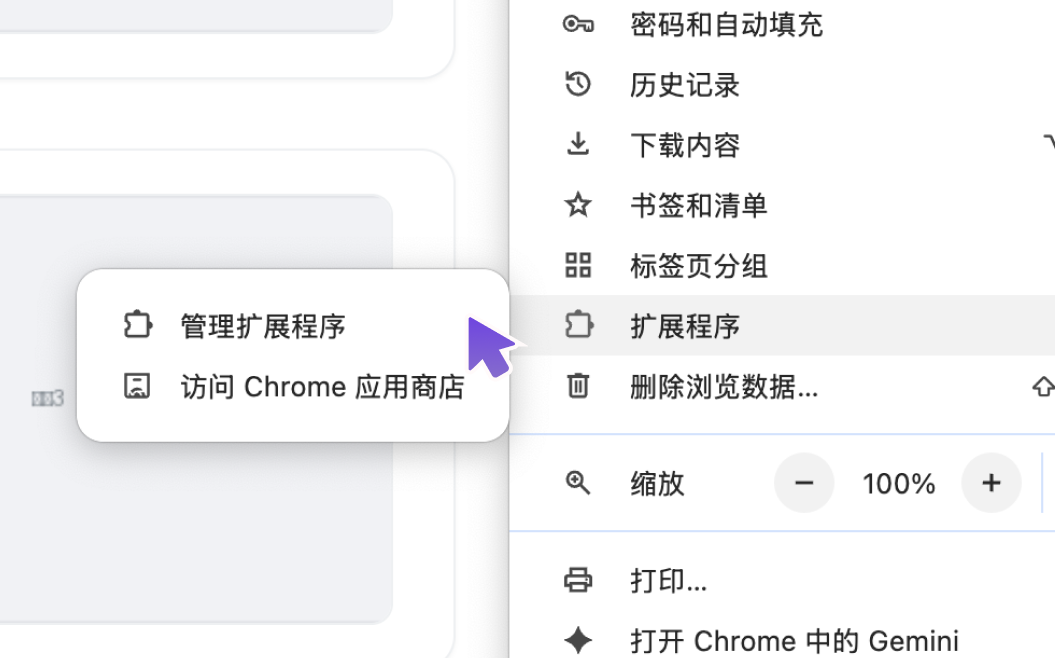
Manage Extensions
Click the menu button in the top-right corner, select 'More Tools' → 'Extensions'
04
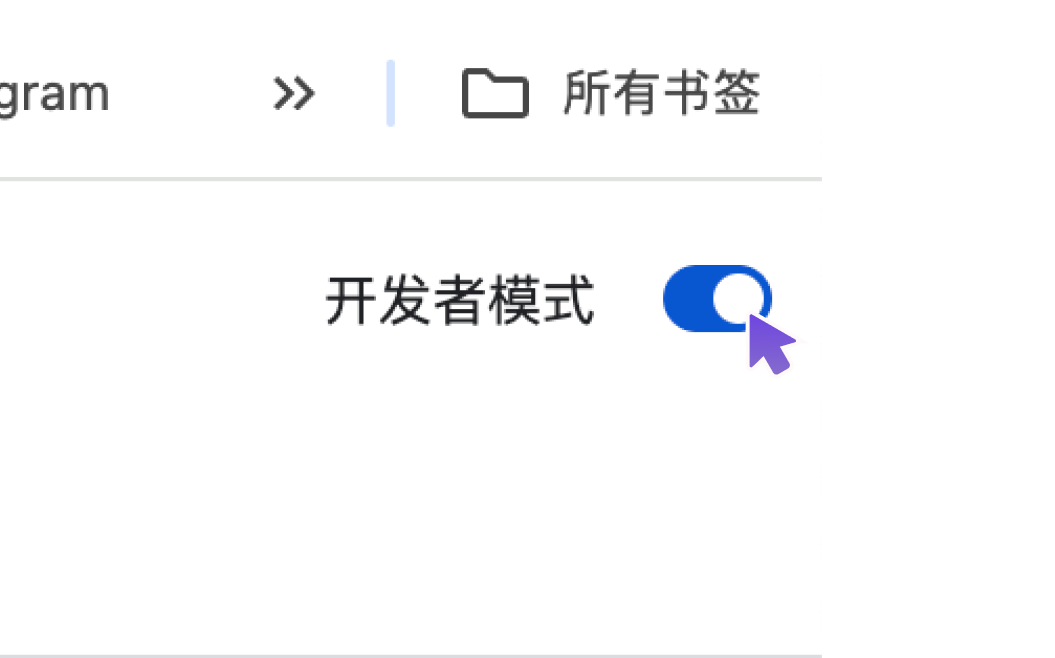
Developer Mode
Toggle 'Developer mode' on in the top-right corner of the Extensions page
05
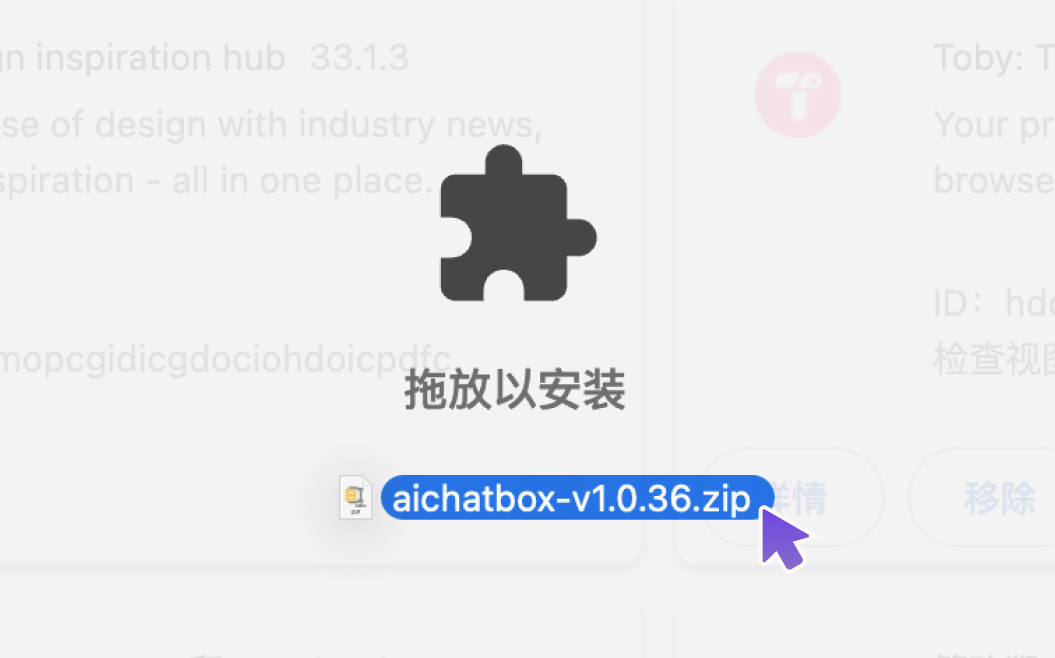
Drag to Install
Drag and drop the downloaded package onto the Extensions page to complete installation
06
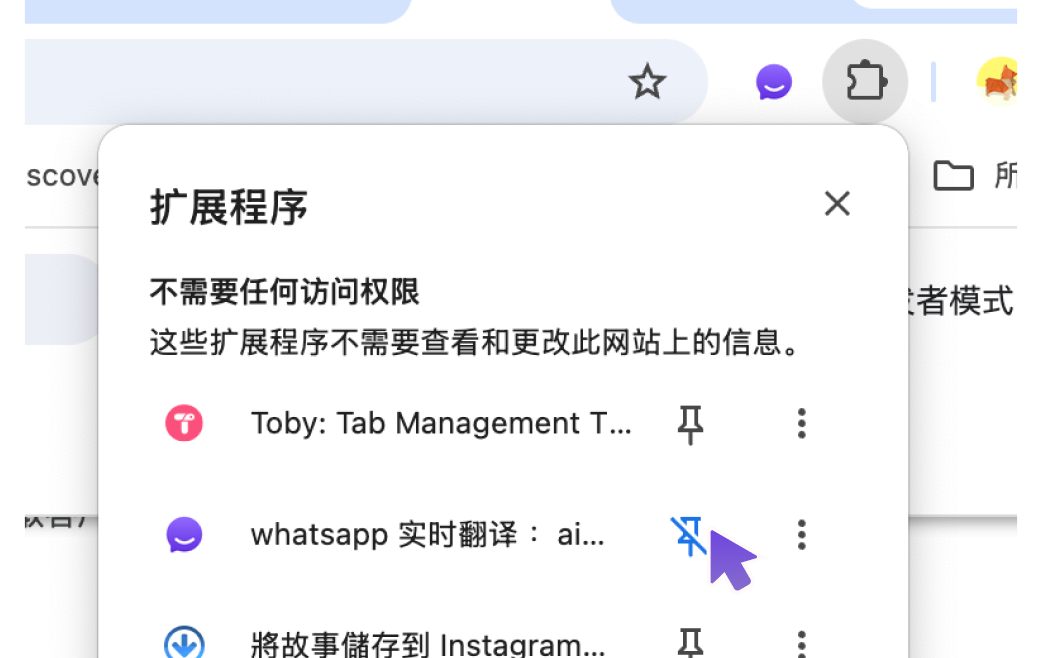
Pin the Extension
Pin the extension to the toolbar for quick access whenever you need it